Skyvia
Cyprus (with Eastern European engineering) | Launched 2014–2015 | Privately held | 200+ connectors
Overview
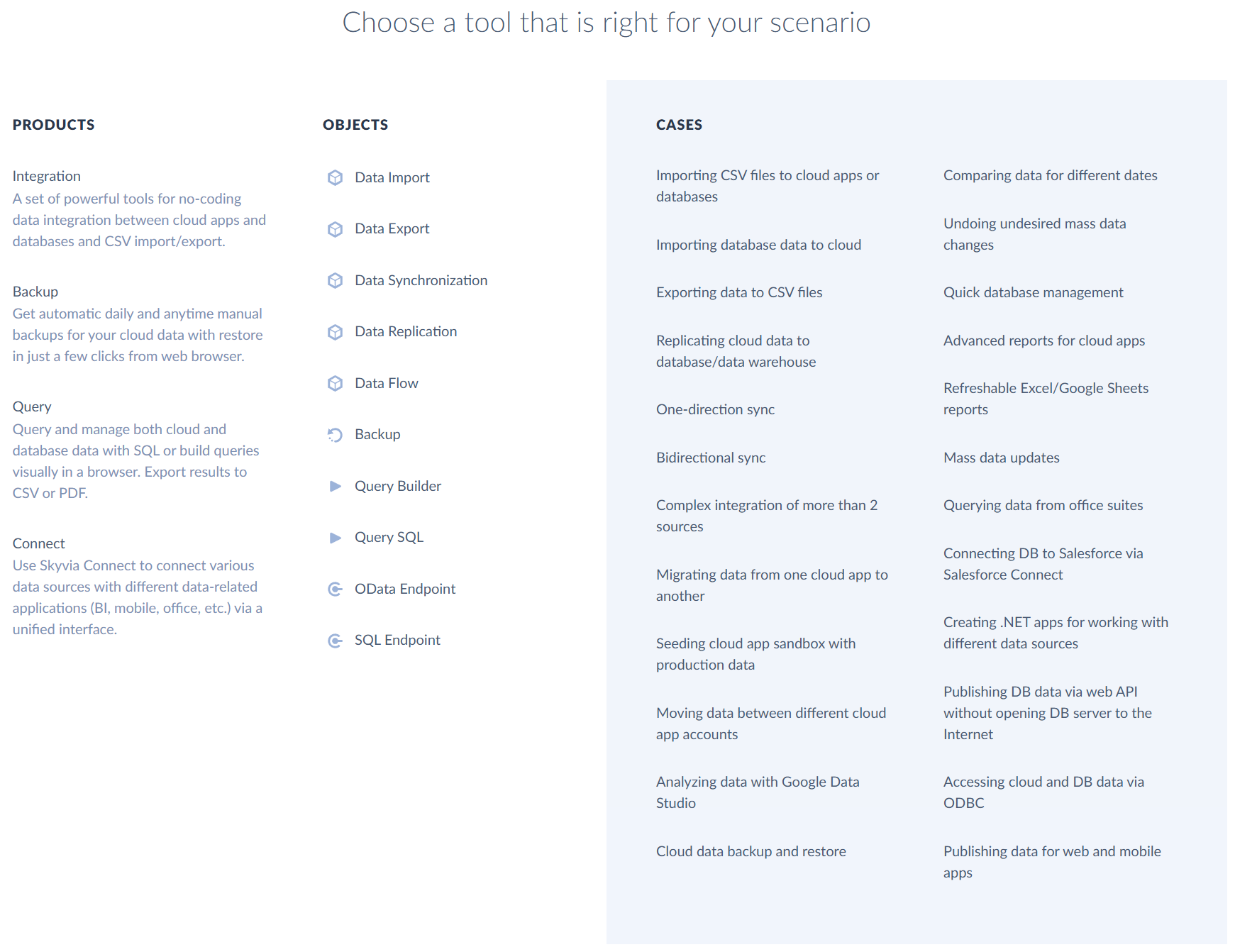
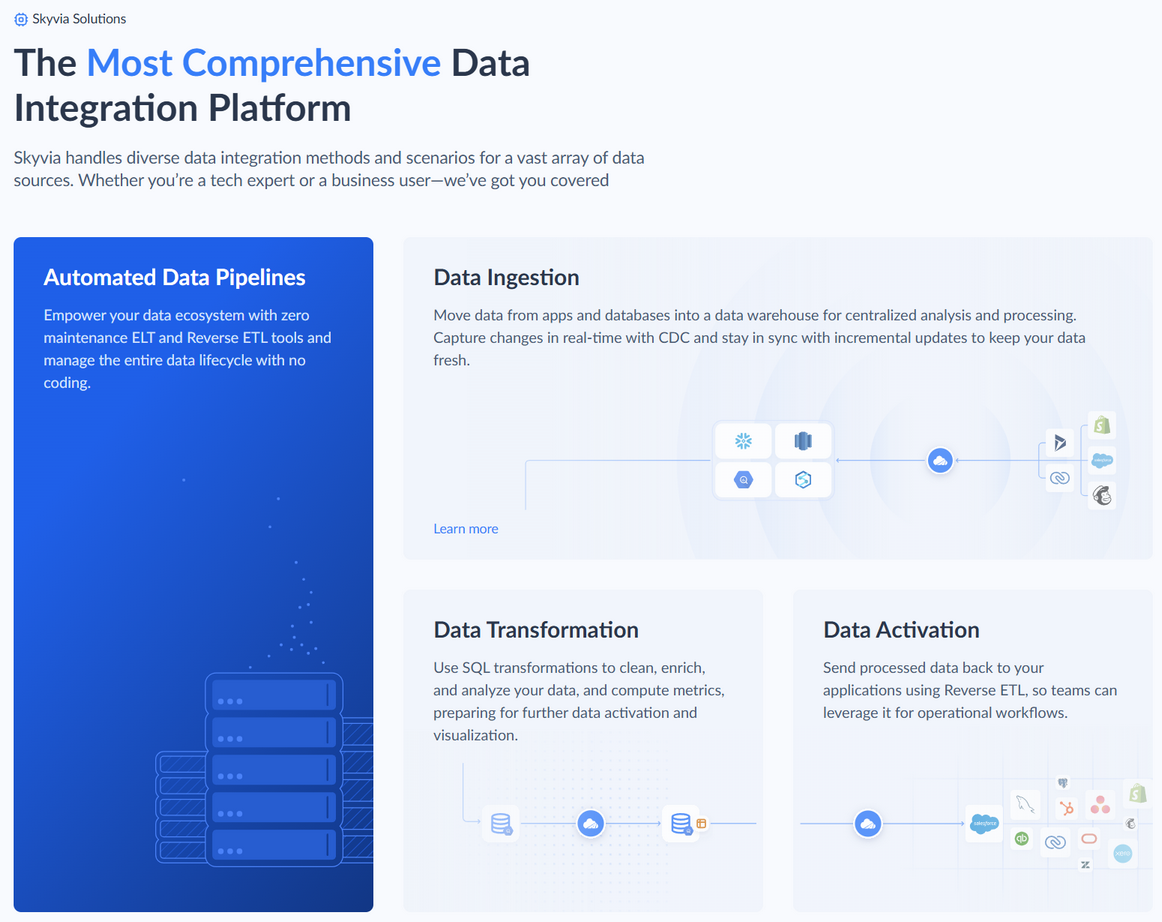
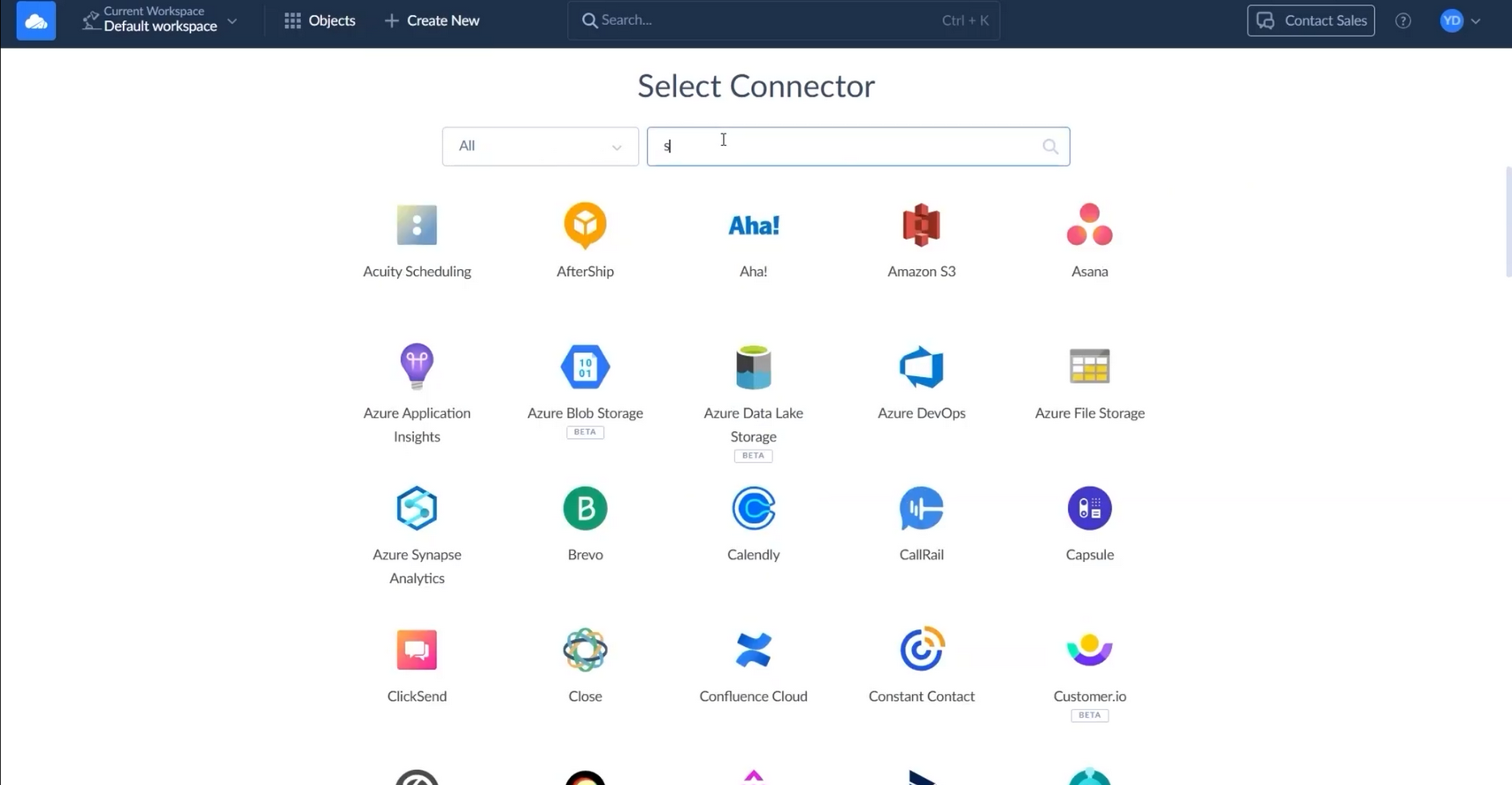
Skyvia is a no-code cloud data integration platform (ETL/ELT, replication, bidirectional sync, backup, and data loader) launched in 2014–2015. It evolved from Devart’s database tooling heritage into a standalone SaaS serving 200+ connectors across CRMs (Salesforce, HubSpot, Dynamics 365, Zoho, Pipedrive, etc.), databases, cloud apps, and flat files.
Positioned as the “all-in-one cloud data platform” for non-technical users needing ad-hoc migrations, ongoing synchronization, backup, and data management without coding. It offers a visual mapping editor, scheduling, transformations, error handling, and near real-time replication.
Skyvia directly competes in the “ad-hoc migration + scheduled sync + backup” overlap that SyncMatters is urgently reviewing. It targets mid-market RevOps and operations teams who want fast, low-effort data movement without developers.
Key Features & Capabilities
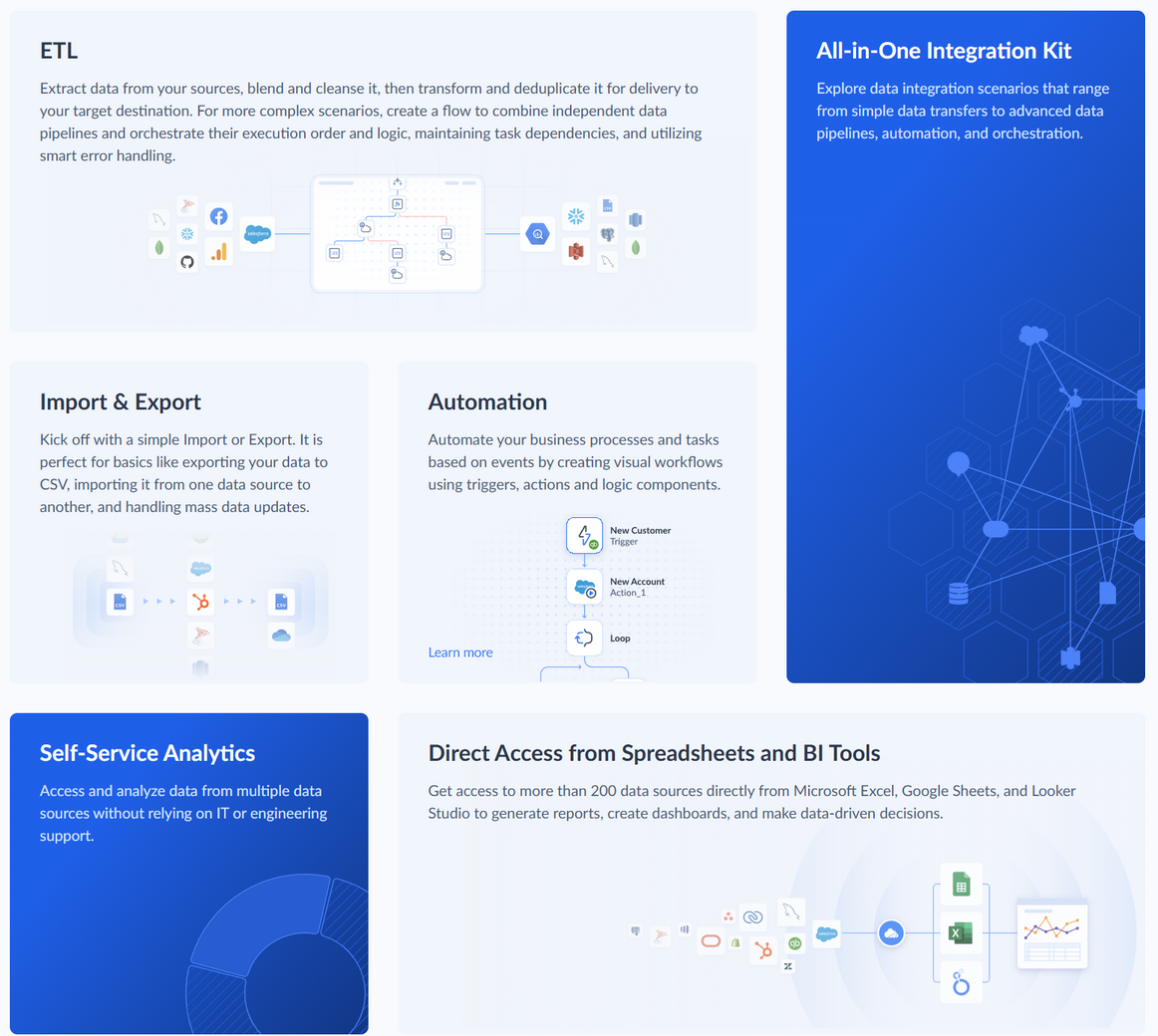
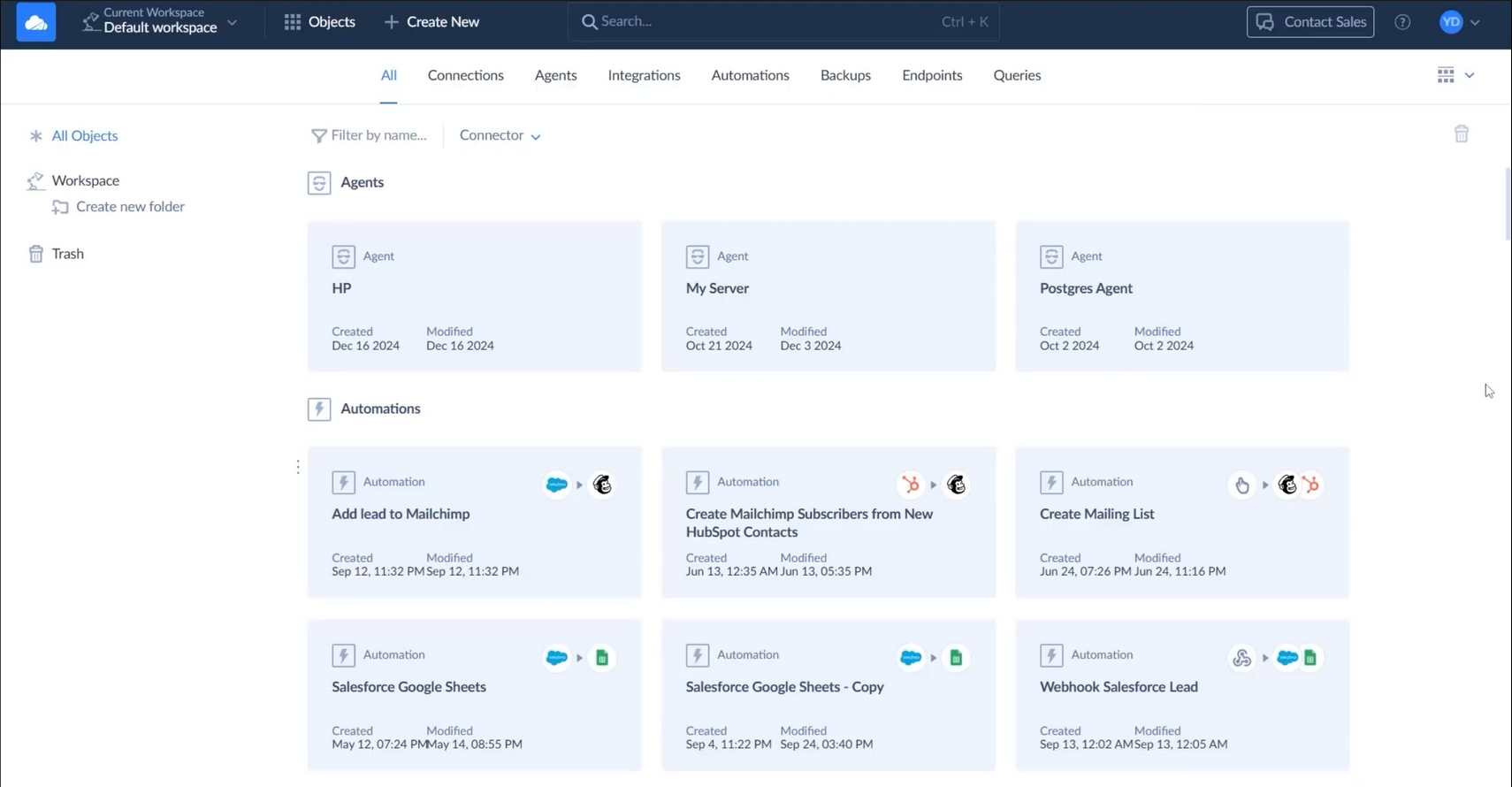
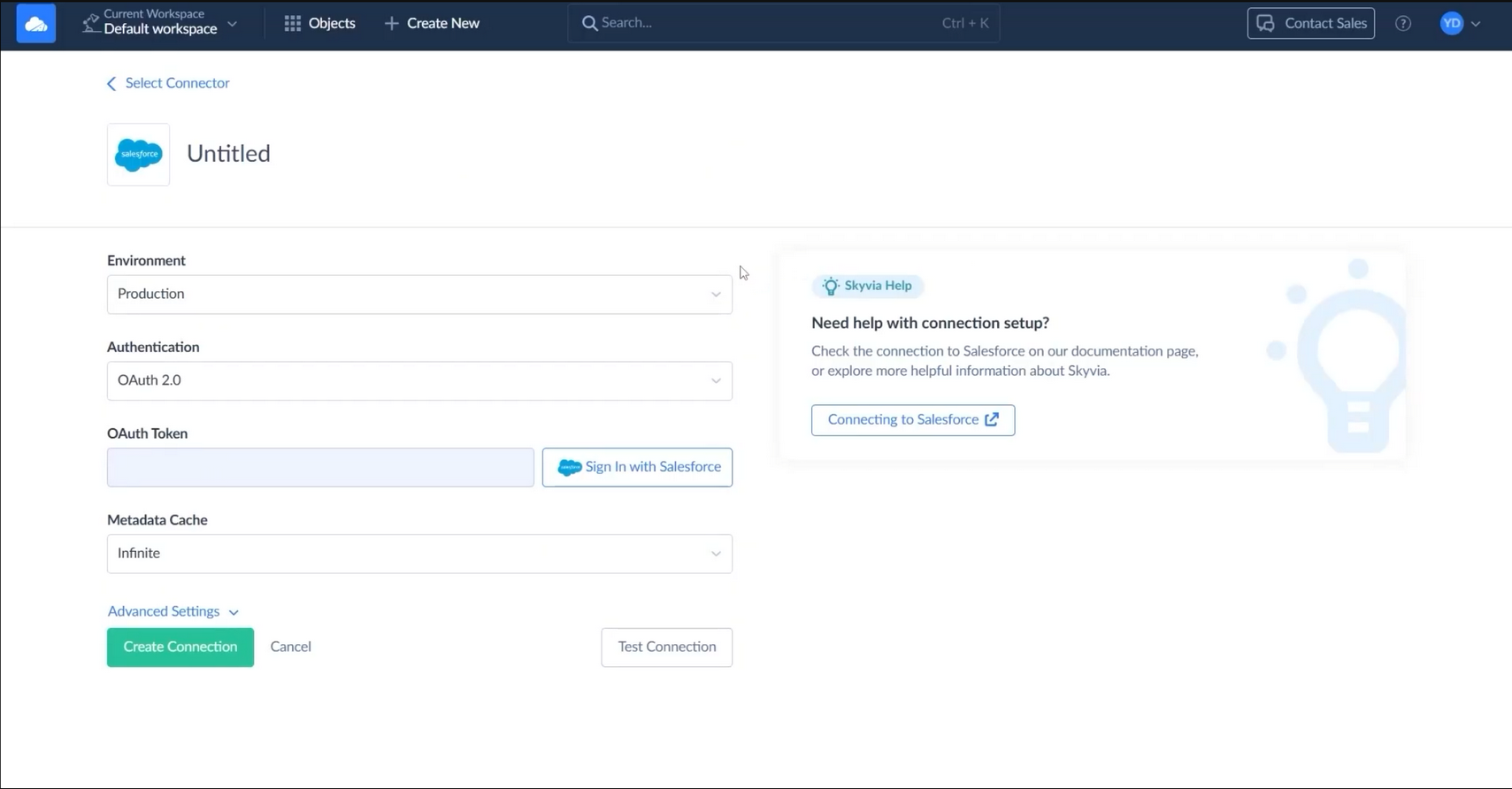
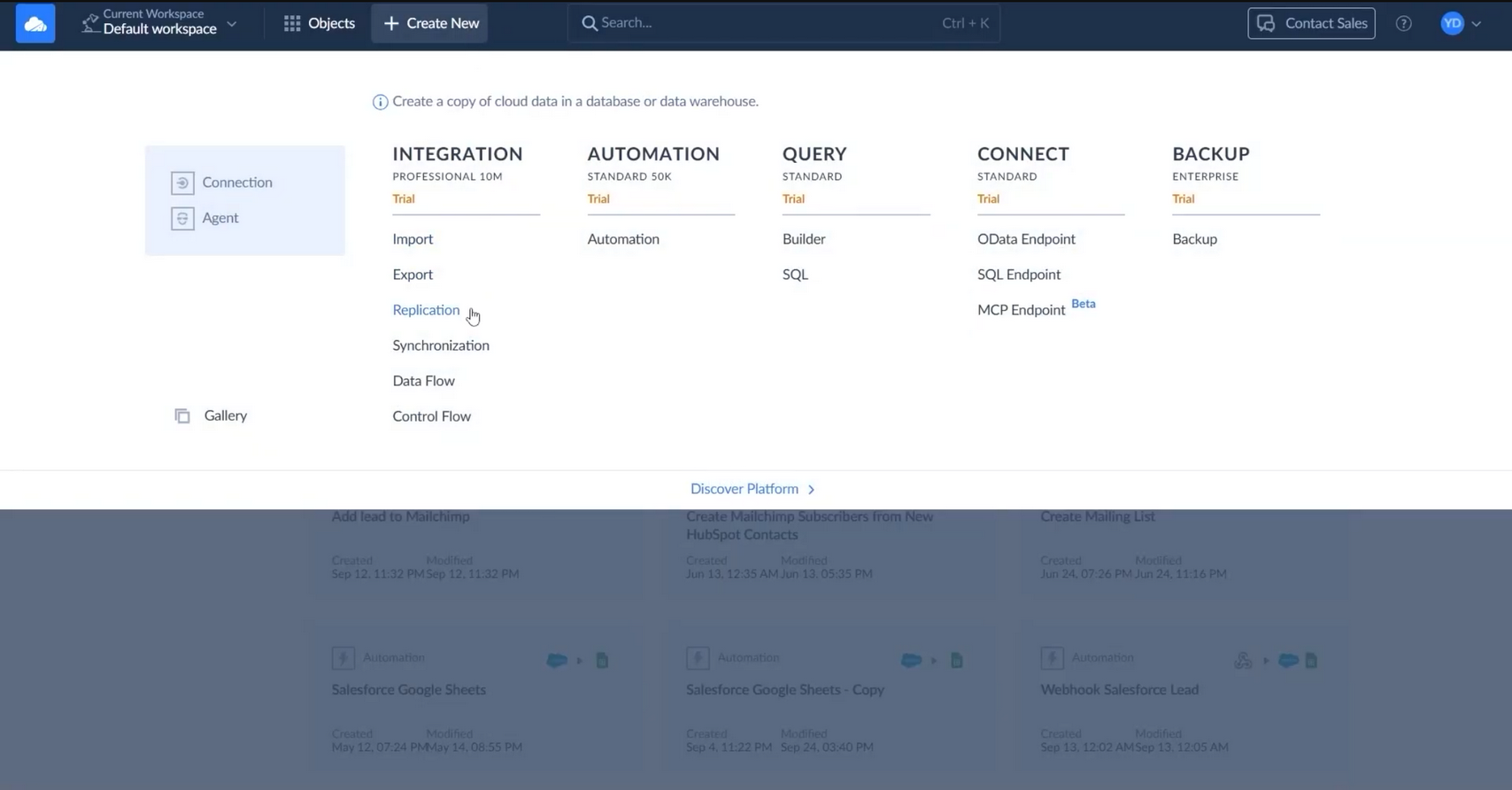
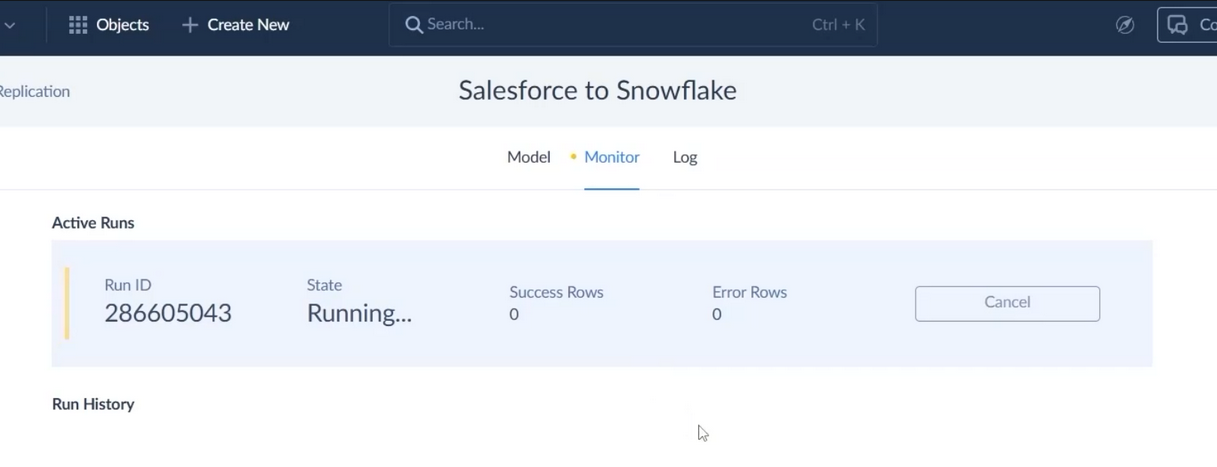
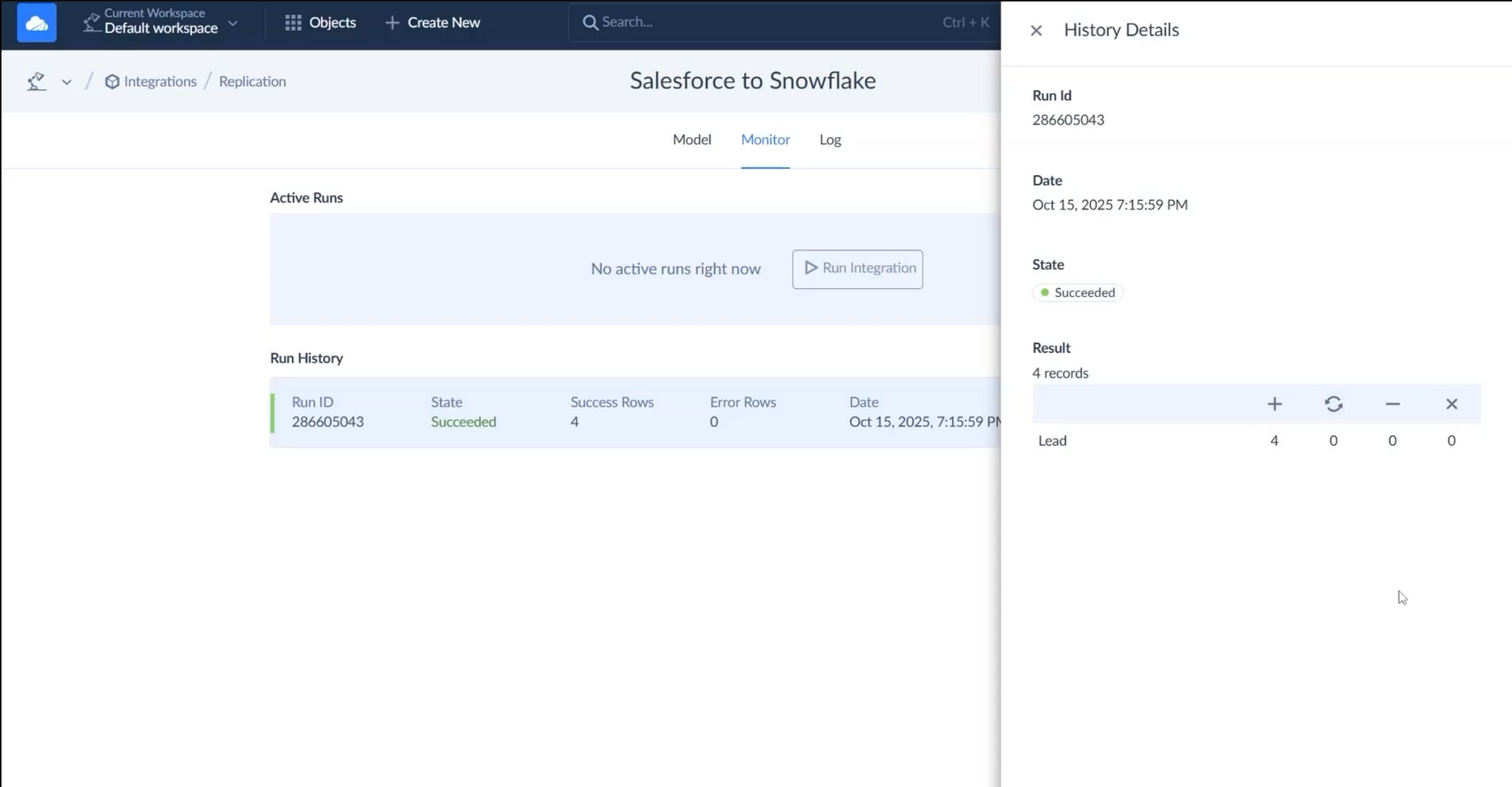
Skyvia is deployed as a single web-based portal. Functionality is seamlessly unlocked through licensing. Teasing of functionality is obvious throughout the interface (eg: when creating a new object)
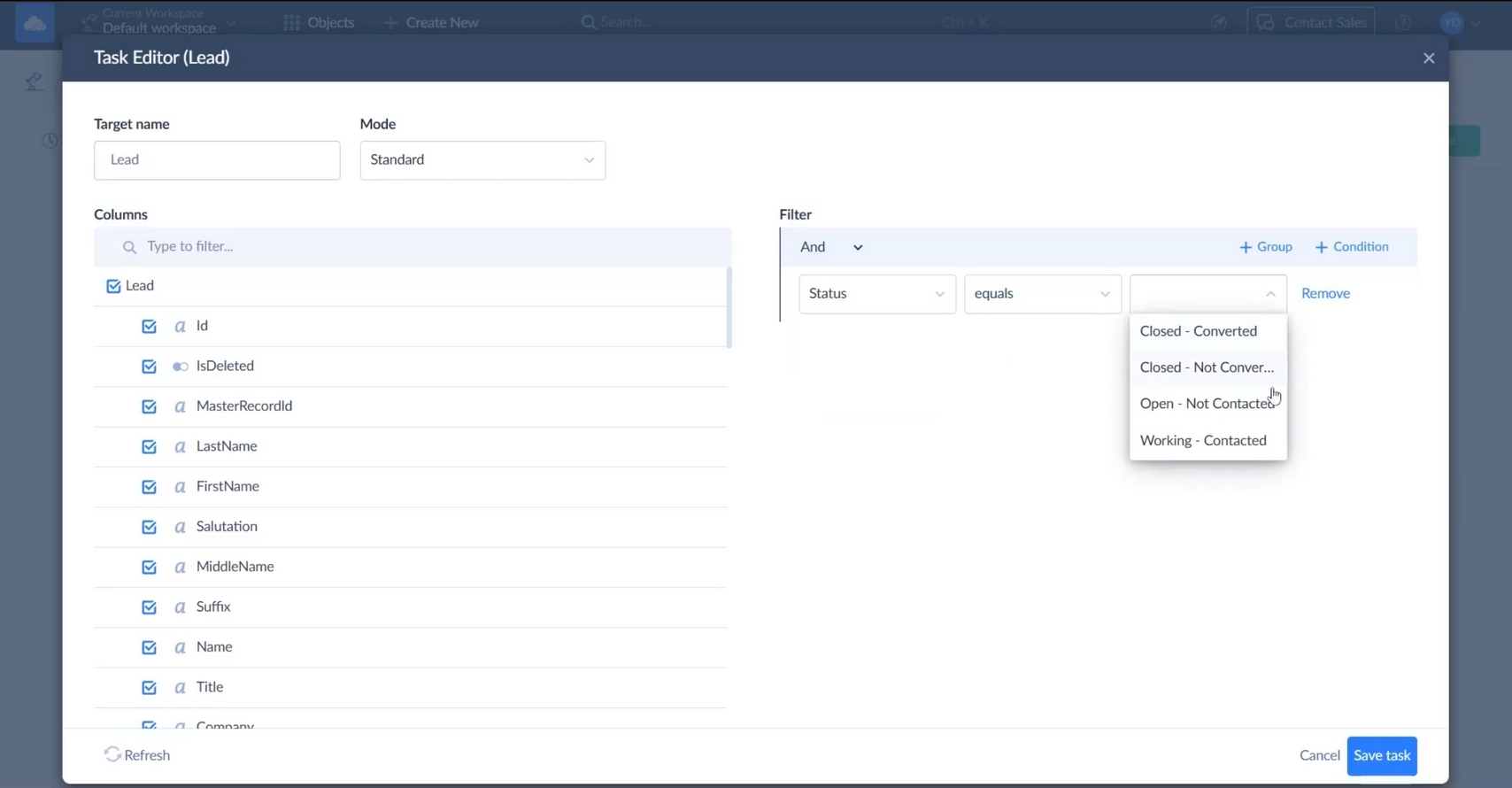
- Visual Mapping & Transformations — Drag-and-drop field mapping, built-in functions, and conditional logic (no-code focus).
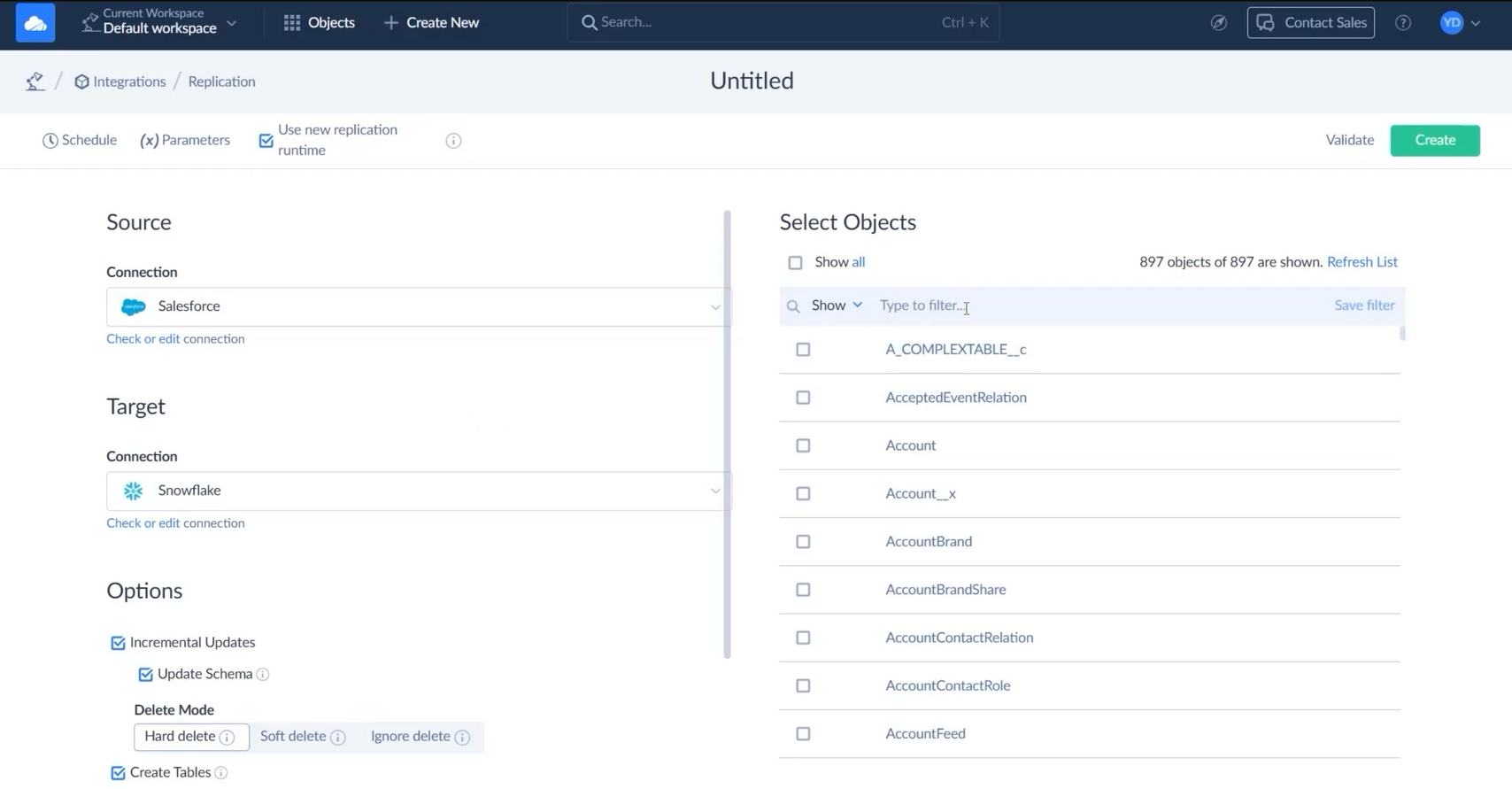
- Bidirectional Sync & Replication — Scheduled and near real-time sync between CRMs, databases, and cloud apps (strong Salesforce-to-Salesforce and HubSpot support).
- Data Loader & Migration — CSV import, bulk load, and guided migration templates for CRM switches.
- Backup & Restore — Automated backup with point-in-time restore (direct competitor to SyncMatters’ recent Backup feature).
- ETL/ELT Workflows — Pre-built connectors, scheduling, error handling, and logging.
- Salesforce-to-Salesforce Org Sync — Frequently cited strength for multi-org scenarios.
Skyvia excels at quick, standard CRM-to-CRM and CRM-to-database flows but offers lighter custom scripting compared to SyncMatters Integration’s JavaScript workspace.
User Experience & Interface
Overall Feel: Clean, coherent, and functional no-code interface that scales reasonably well for a broad feature set.
Key Observations: - Visual design is modern and consistent across the platform. - Core workflows (mapping, replication setup, scheduling) are relatively clear and approachable. - Complexity is generally well-managed for standard use cases, though deeper logic can become nested and harder to follow. - Strong visual feedback and logical flow compared to most competitors.
Feature Focus: AI
Skyvia has made two concrete AI moves in the last 9–10 months:
| Feature | Launch Date | What It Does | Where It Lives |
|---|---|---|---|
| OpenAI Connector | March 2026 | New connector that lets you send prompts to OpenAI models (GPT, etc.) and use the results directly in your data workflows. You can call it via actions and stored procedures. | Data Integration (Control Flow & Data Flow) + Automation |
| AI Expression Generator | ~April 2026 (very recent) | In the mapping/expression editor, you can describe what you want in plain English (e.g., “create a full name by combining first and last name and capitalize it”) and the AI generates the expression for you. | Expression & Mapping editors in Data Integration and Automation |
| MCP Endpoints | August 2025 | Allows AI tools (like Claude) to query your Skyvia-connected data sources using natural language via the Model Context Protocol. | Skyvia Connect |
| Summary for Skyvia: They are actively adding practical AI features — especially around making complex expressions easier and letting AI work directly with your data. This is a clear move to stay competitive with tools like Insycle. |
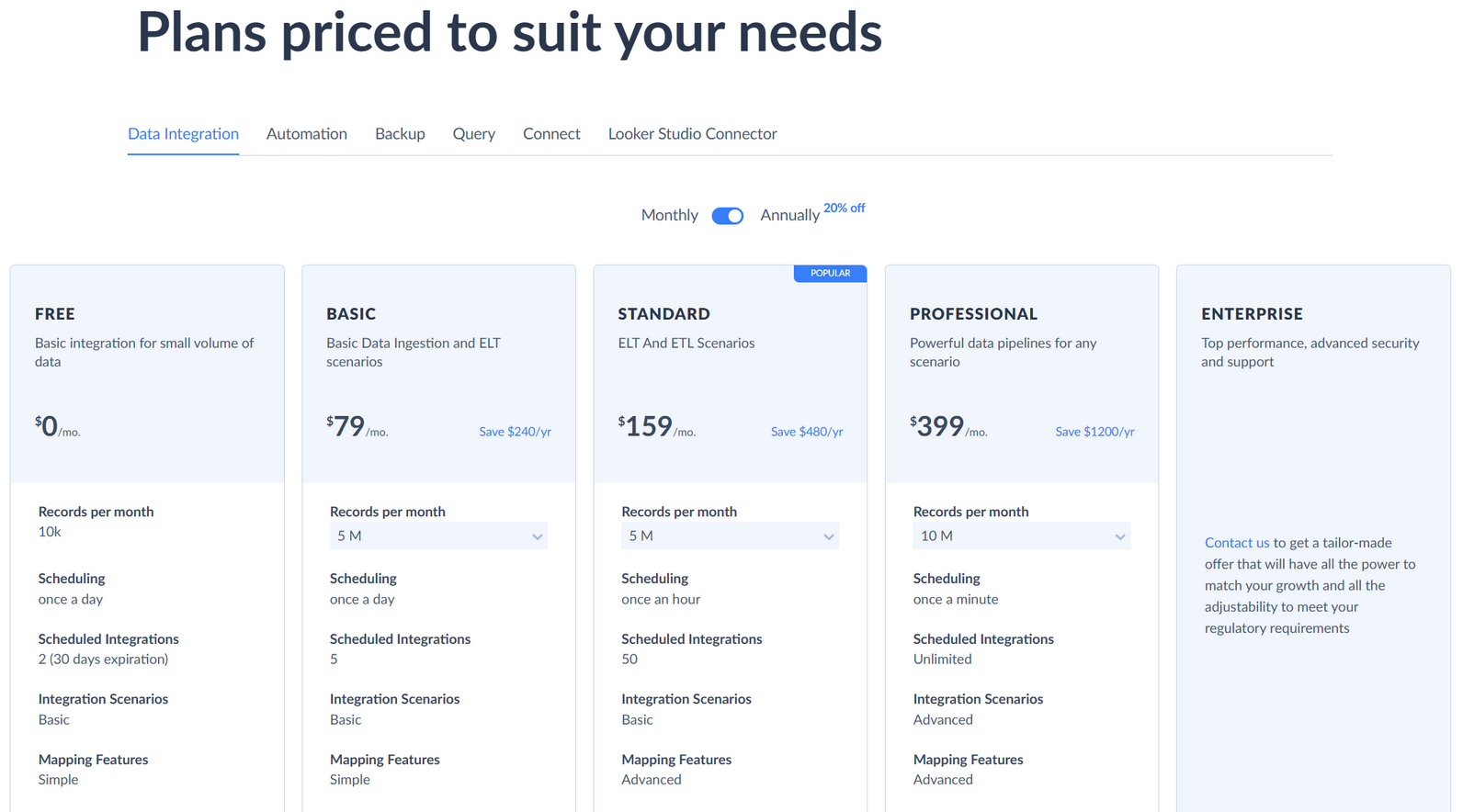
Pricing
- Free Tier: 10,000 records/month
- Starter / Basic plans: From ~$19–79/month (usage-based)
- Higher tiers: $199+ for advanced features and higher volume
- Enterprise: Custom
Strong free-tier entry point with usage-based scaling. Positioned as affordable for mid-market teams.
Strengths
- Excellent no-code visual editor — simpler and faster for standard mappings than SyncMatters Integration config screens.
- Very broad connector coverage (200+) with strong CRM focus (Salesforce, HubSpot, Dynamics, Zoho).
- Built-in backup & restore functionality (direct overlap with SyncMatters Backup feature).
- Strong self-serve education (high-quality YouTube tutorials, practical blog guides, detailed docs).
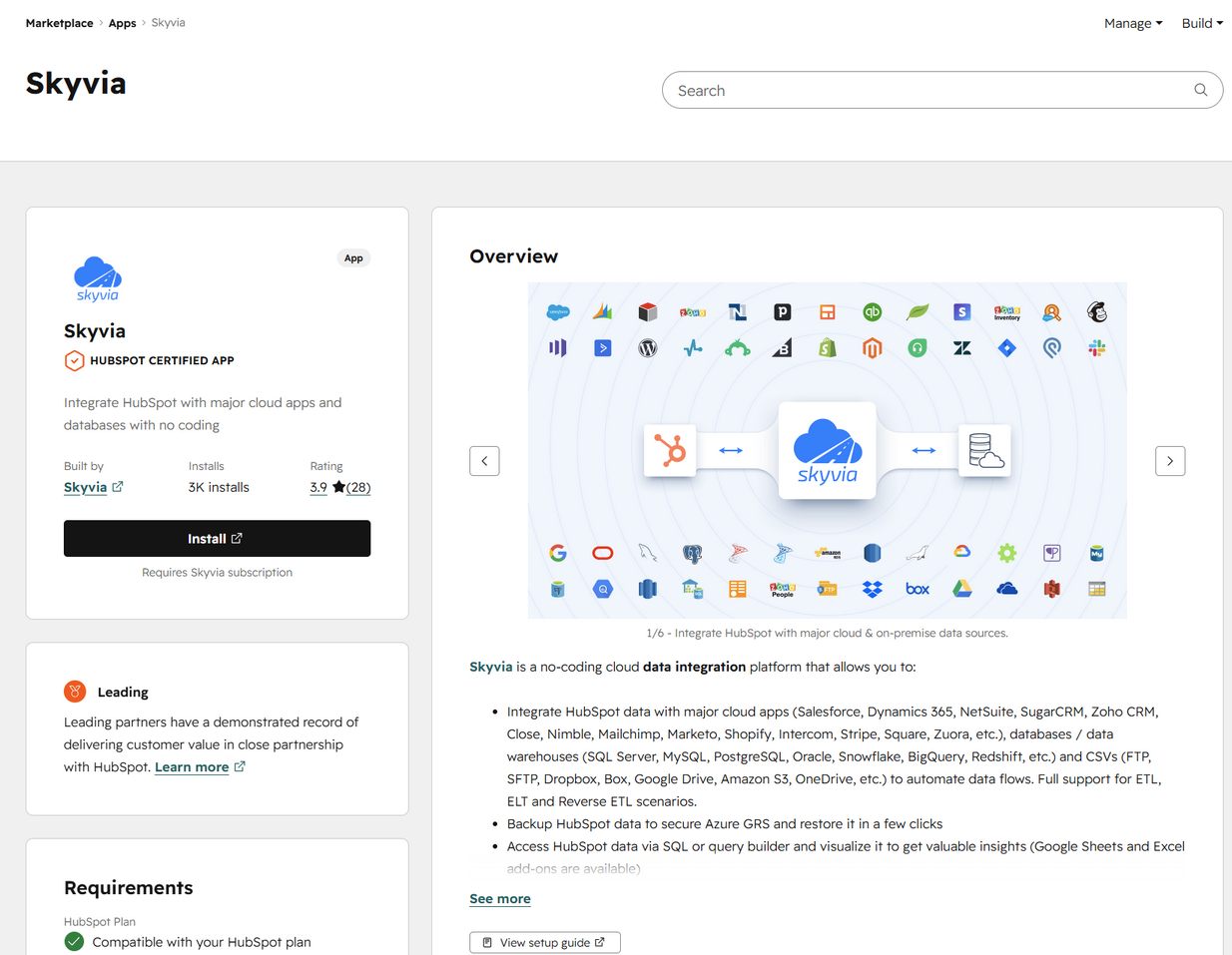
- Lightweight marketplace partnerships (HubSpot App Marketplace + Salesforce AppExchange) enabling easy adoption.
Weaknesses
- Limited deep custom logic compared to SyncMatters Integration (no equivalent to JS code workspace or complex row-matching rules).
- Less emphasis on production safety features (no equivalent to SyncMatters’ unique full rollback with conflict handling).
- Lower brand presence in complex/enterprise custom integration segment (Tim noted many first-time integrations with unusual data models require white-glove support).
- Centralized Cyprus/Eastern European model may be less responsive on highly custom CRM needs than SyncMatters’ Brisbane + Ukraine hybrid structure.
Marketing & Social Media Presence
Moderate. Regular YouTube tutorials and practical blog posts on data migration best practices. Functional but less polished and lower engagement than Insycle, Fivetran, or Zapier. Limited presence on LinkedIn and Reddit compared to top-tier competitors. Content is educational but not as high-production or frequent.
Official Support & Education
Good self-serve documentation and YouTube tutorials. Basic Help Center with connector guides. No structured Education Hub with quizzes like Insycle. Support is responsive via chat/email but less mature than enterprise players (Fivetran, Zapier). Strong focus on self-serve but room for improvement in depth and community resources.
Comparison to SyncMatters
High Overlap Areas: - Ad-hoc CRM migrations (HubSpot ↔ Salesforce, multi-org moves) — direct competitor to MigrateMyCRM. - Ongoing scheduled sync and replication — overlaps with Integration product’s core “Sync > Flow > Movement” model. - Backup functionality (Skyvia’s automated backup directly competes with SyncMatters’ recent Scheduled Backup feature). - HubSpot and Salesforce-centric data movement (90% of SyncMatters migration volume touches HubSpot).
SyncMatters Advantages: - Much broader true multi-CRM support (55+ systems vs. Skyvia’s strong but narrower CRM focus). - Unique full production rollback capability with conflict handling — a major differentiator for risky migrations. - Flexible Integration product with UI + JavaScript custom logic, version control, advanced error/retry/checkpoint management, and SFTP file processing. - Hybrid DIY + white-glove managed services + custom integration model for complex use cases. - Workspaces (multi-user collaboration) and API abstraction layer (Ukraine team strength).
Skyvia Advantages: - Superior no-code visual mapping and simpler UX for standard migrations/syncs — a strong benchmark for reducing “extra steps” in SyncMatters Integration (Serhii’s technical debt note). - Faster time-to-value and lower price point for mid-market “easy button” use cases. - Built-in backup as a native, integrated feature.
Threat / Opportunity Assessment
Threat Level: Medium-High (particularly for the low/mid-market segment and post-migration hygiene/sync layer).
Skyvia commoditizes the “simple ongoing sync + backup” use case that SyncMatters is considering for low/mid-market positioning. Its no-code ease and broad connectors make it an attractive alternative for customers who find SyncMatters Integration overly complex for standard HubSpot/Salesforce flows.
Key Risks: - Skyvia’s visual editor and free tier could capture customers who would otherwise use MigrateMyCRM for one-time migrations or Integration for ongoing syncs. - Customers already using Skyvia for HubSpot-heavy migrations may bypass SyncMatters entirely for post-migration maintenance and backup. - Amplifies the urgent product overlap decision (MigrateMyCRM vs Integration) flagged by Tim and Darren — Skyvia shows how a focused no-code platform can win the middle ground.
Strategic Opportunities: - Use Skyvia’s visual mapping and scheduling UX as direct inspiration for simplifying the Integration config flow and proposed AI Helper (Step 2 object/field mapping). - Leverage your existing Model Context Protocol work to add “executive auto-corrections” and intelligent mapping that Skyvia lacks. - Consider a dedicated low-code/no-code “Data Movement” module or lighter pricing tier to compete directly in the segment Skyvia dominates. - Strengthen the Agency/Partner Program (Skyvia has none equivalent to Insycle’s) to capture the services channel where consultants often choose the simplest tool for clients. - Reinforce differentiation on complex/custom integrations and safety (rollback) where Skyvia is weaker.
Sources & Further Reading
- Official site: https://skyvia.com/
- Blog: https://blog.skyvia.com/
- Documentation: https://docs.skyvia.com/
- HubSpot App Marketplace: https://ecosystem.hubspot.com/marketplace/apps/skyvia
- YouTube: @SkyviaPlatform (tutorials on Salesforce/HubSpot migration and sync)
- https://www.youtube.com/watch?v=41JIlV1bP9c
- https://www.youtube.com/watch?v=U81y3y5xZoo
- “Salesforce Data Migration Best Practices” and related guides on the blog
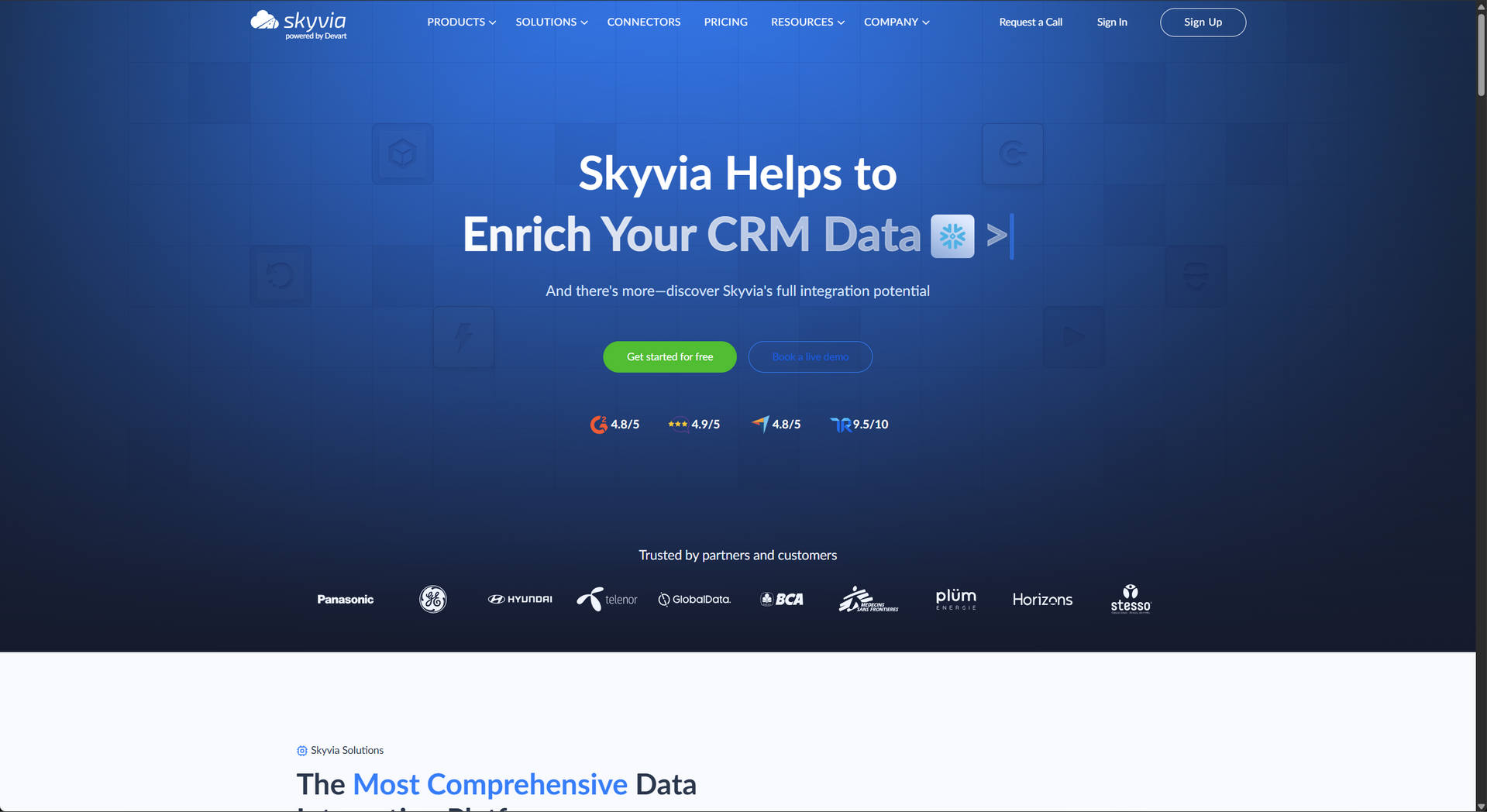
Appendix - Welcome UX
UX - Marketplace
UX - Welcome
UX - Features

This file follows the standard competitor profile template for the SyncMatters advisory project. Merged from latest research (May 2026) and previous PDF report content.