Platform-Native & Others
Built-in / Ecosystem-Native Tools | Various | Often Free or Low-Cost
Overview
This category covers tools and features that are native to the major CRM and productivity platforms themselves, as well as emerging AI-powered alternatives. These include:
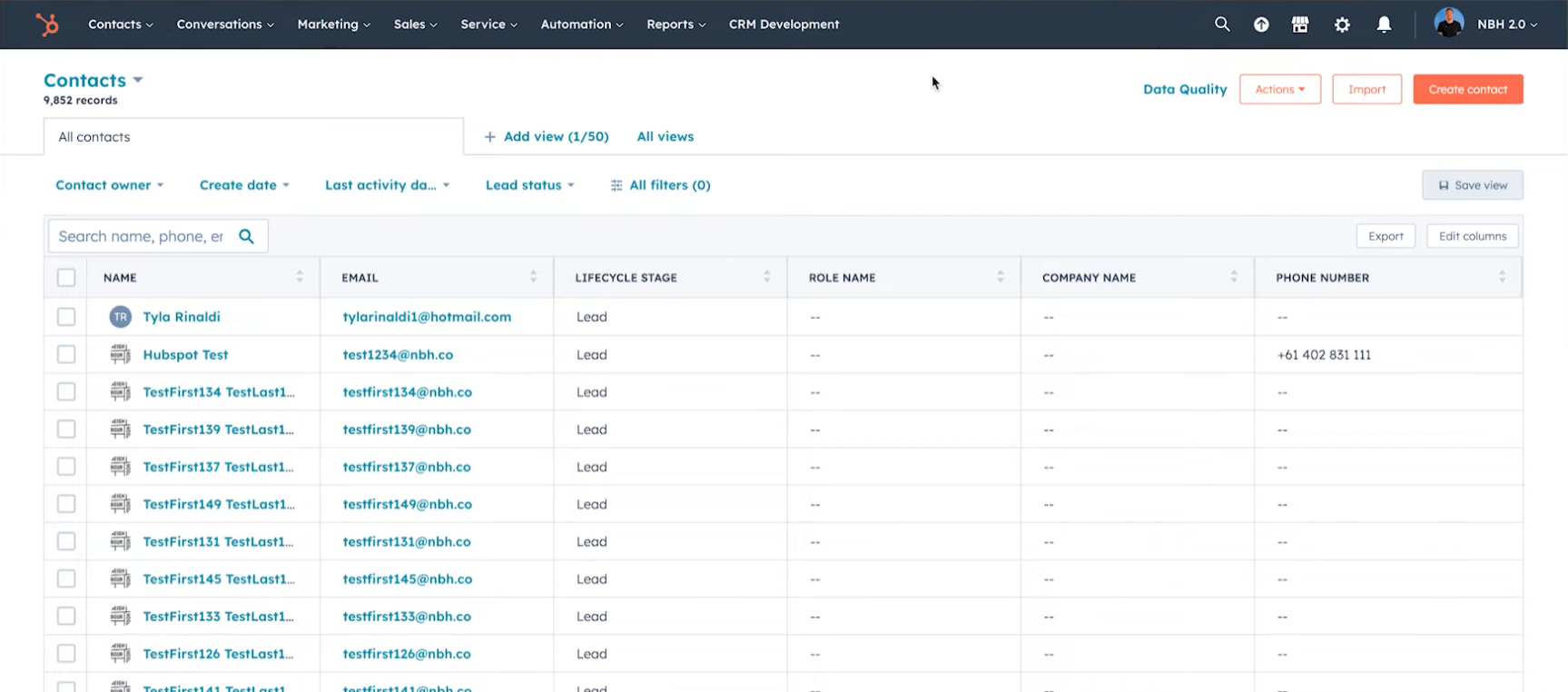
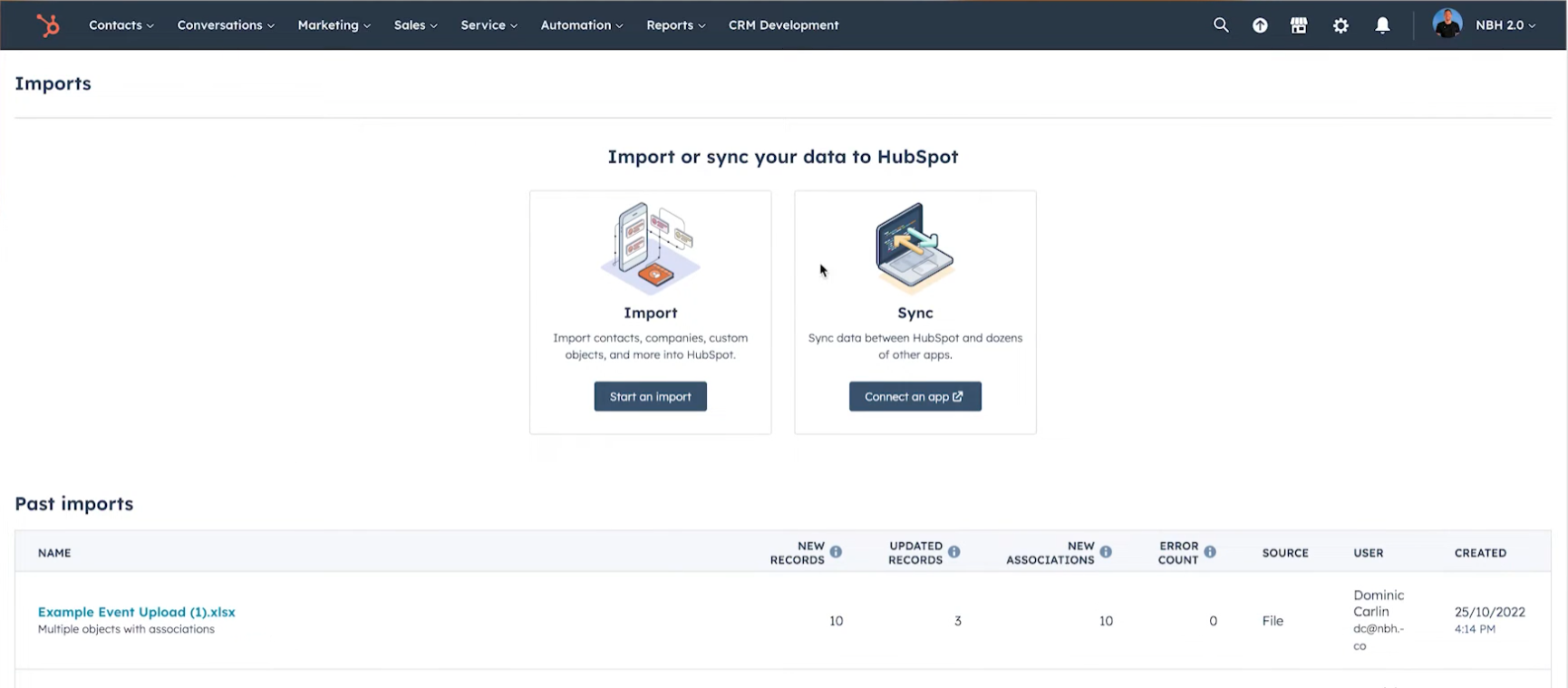
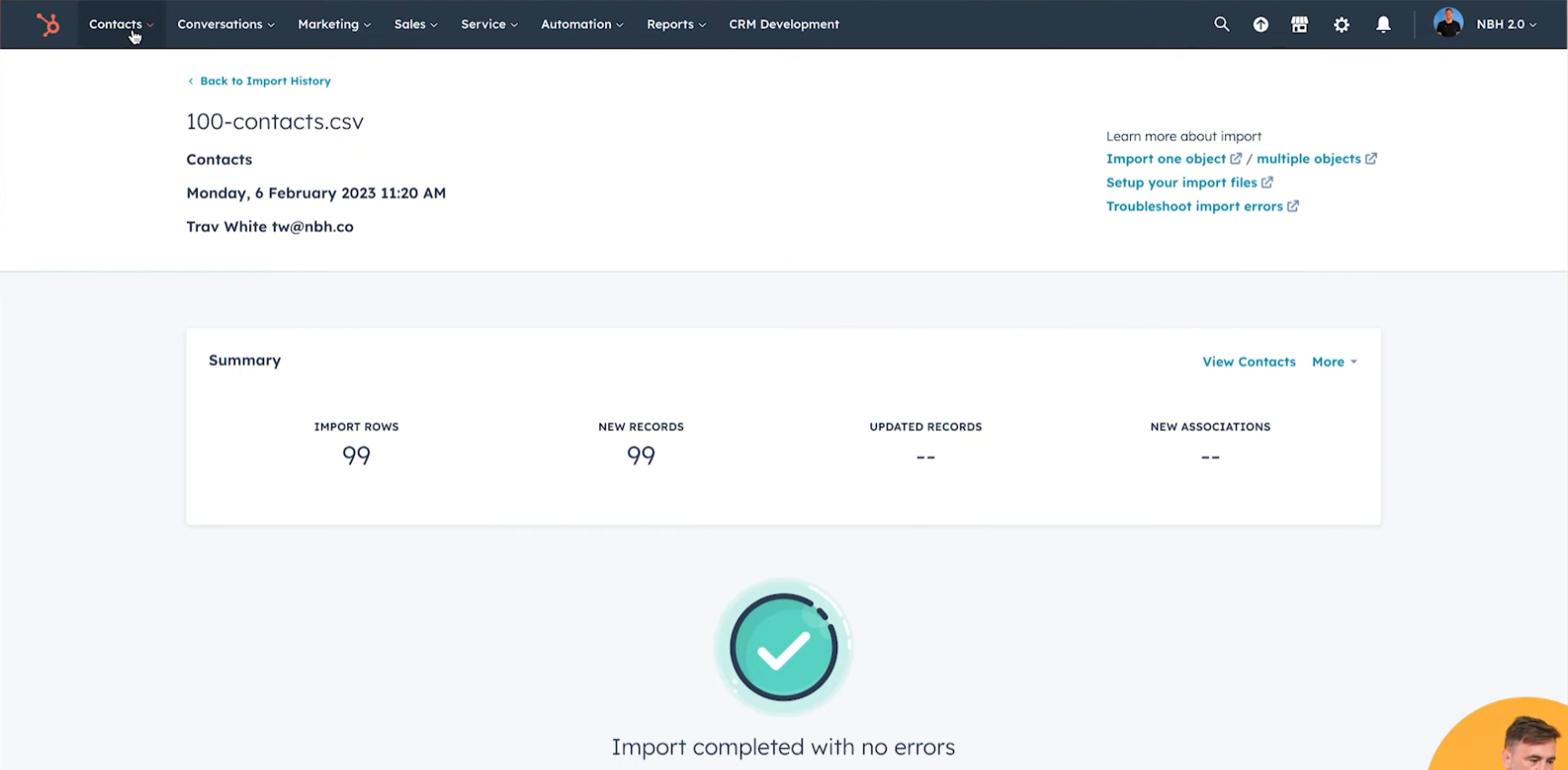
- HubSpot Migration Services & Native Tools — HubSpot’s own migration assistants, data import tools, and partner-led migration services.
- Salesforce Data Loader & Native Import — Salesforce’s built-in Data Loader, Data Import Wizard, and Lightning Data tools.
- monday.com, Pipedrive, Zoho, and similar platform-native importers — Built-in import/export and basic automation features.
- PieSync (now part of Zapier) — Previously a standalone two-way sync tool, now integrated into Zapier.
- Emerging AI-native tools — Newer entrants using AI for mapping, deduplication, and migration (e.g., various AI-powered data movement startups).
These tools are important because they benefit from deep integration with the source/target platform (native permissions, single sign-on, no extra vendor, often free or very low cost). They represent a significant portion of the “good enough” segment for basic migrations and ongoing data movement.
User Experience & Interface
Overall Feel: Varies significantly by platform, but generally familiar and low-friction for users already inside the ecosystem.
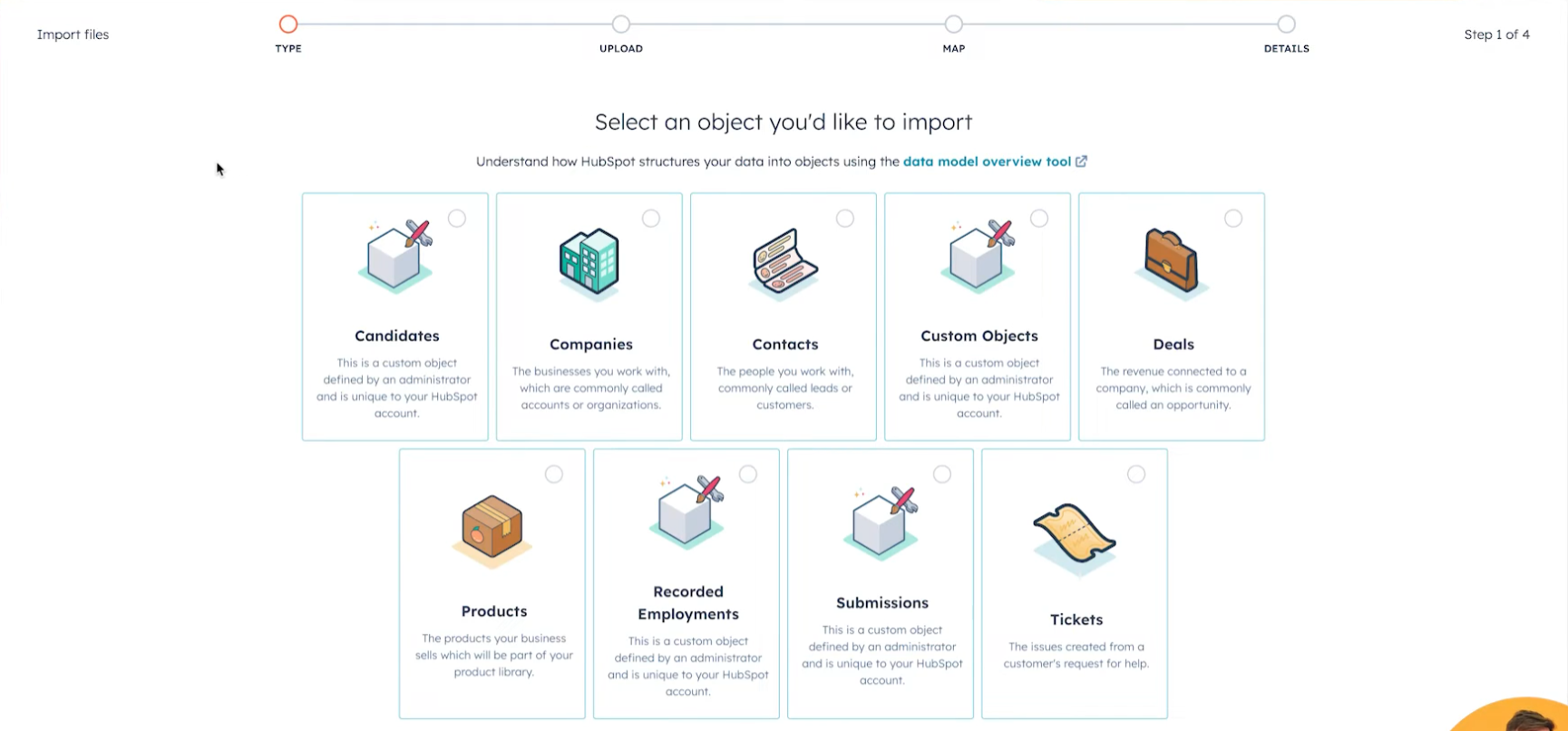
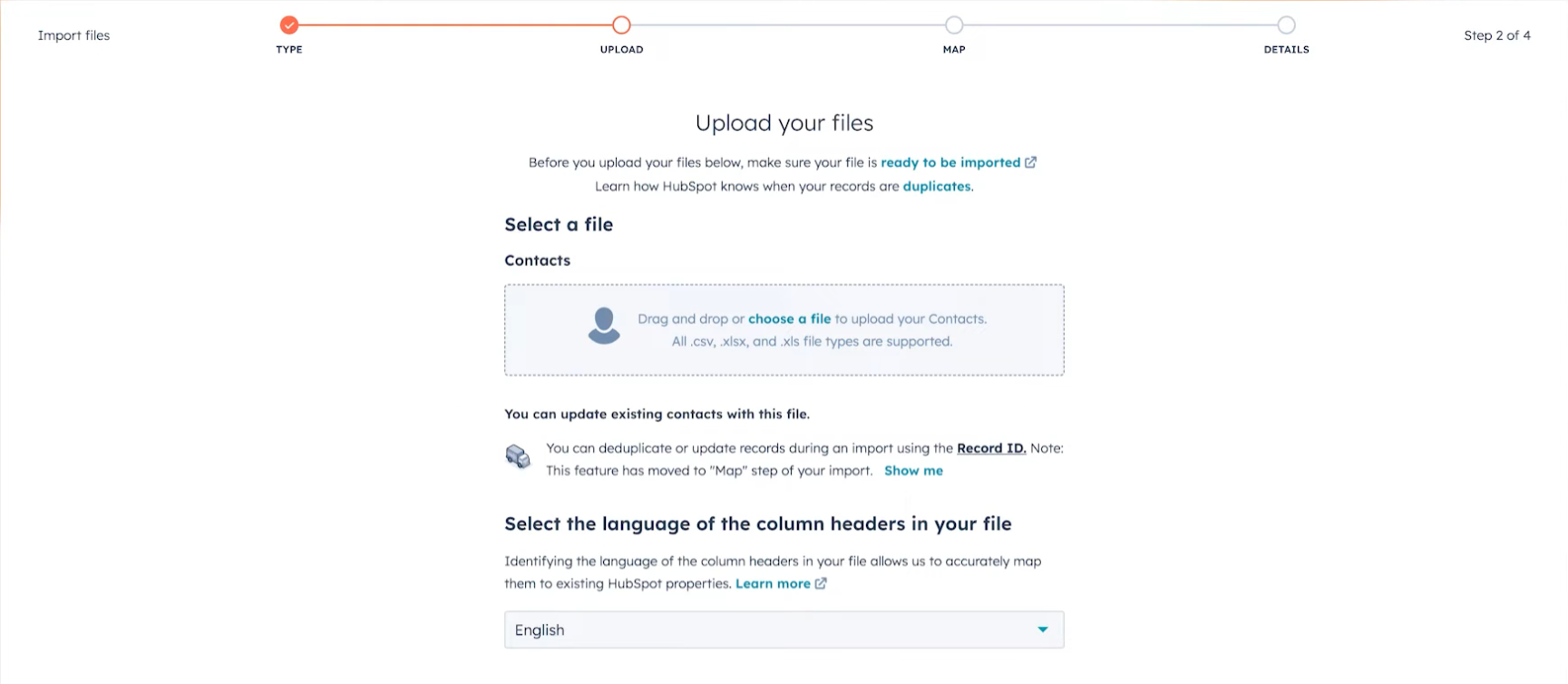
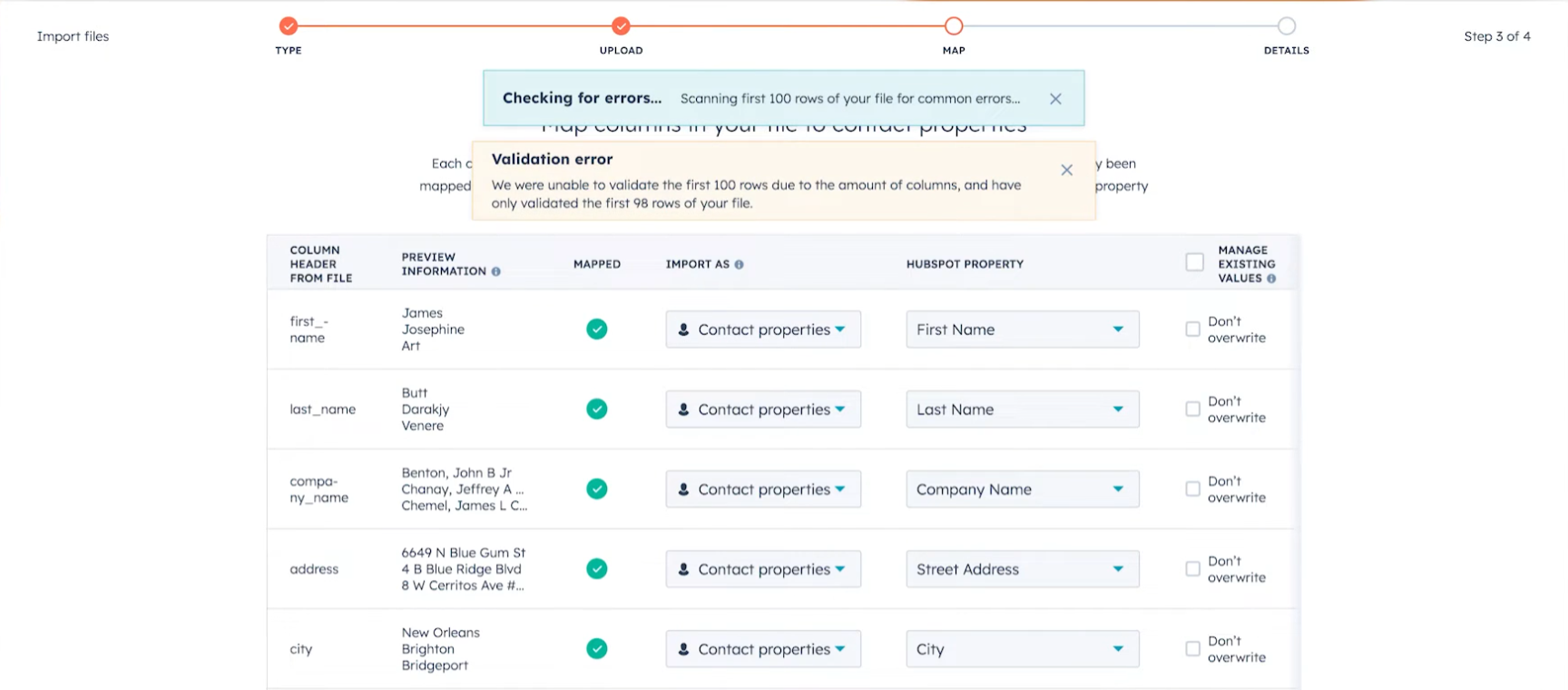
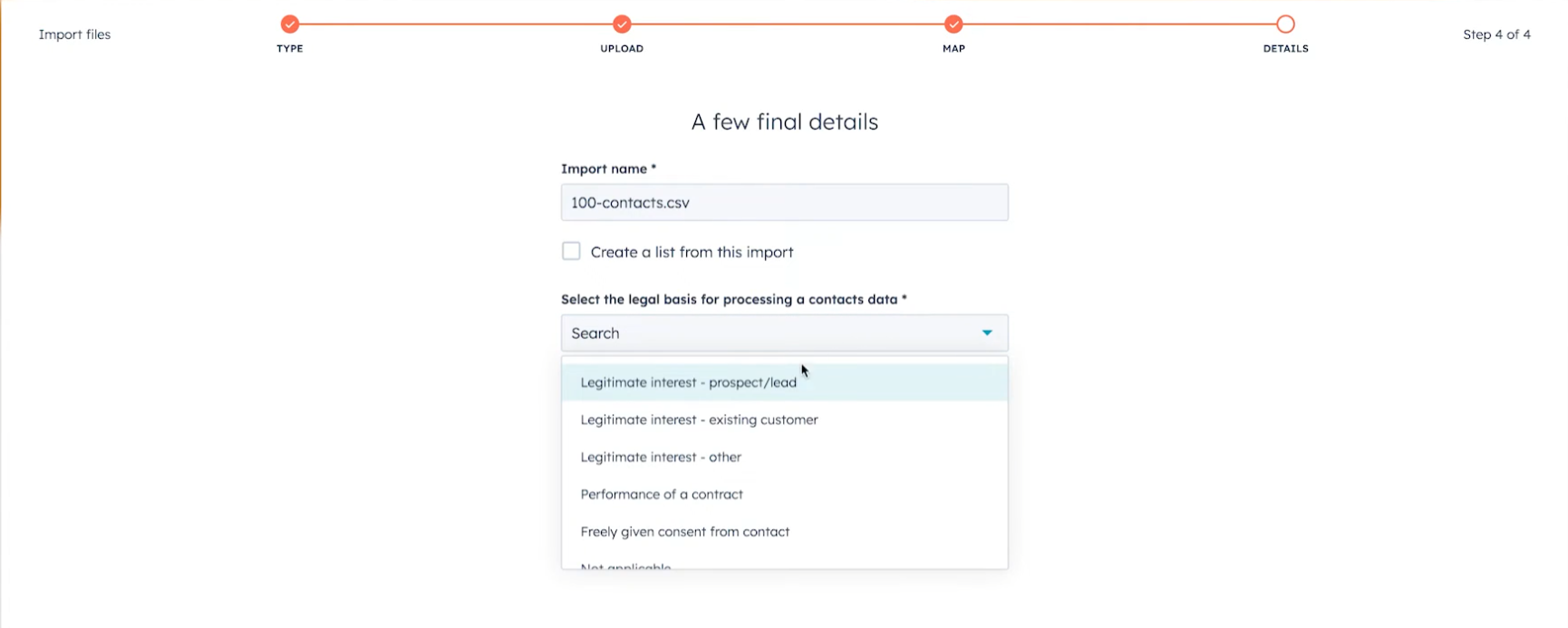
Key Observations: - HubSpot and Salesforce native tools feel consistent with their main platforms. - Limited polish and modern design language compared to dedicated third-party tools. - Good for very basic tasks but quickly becomes cumbersome for anything moderately complex. - Strong familiarity advantage for existing platform users.
Key Features & Capabilities (by Platform)
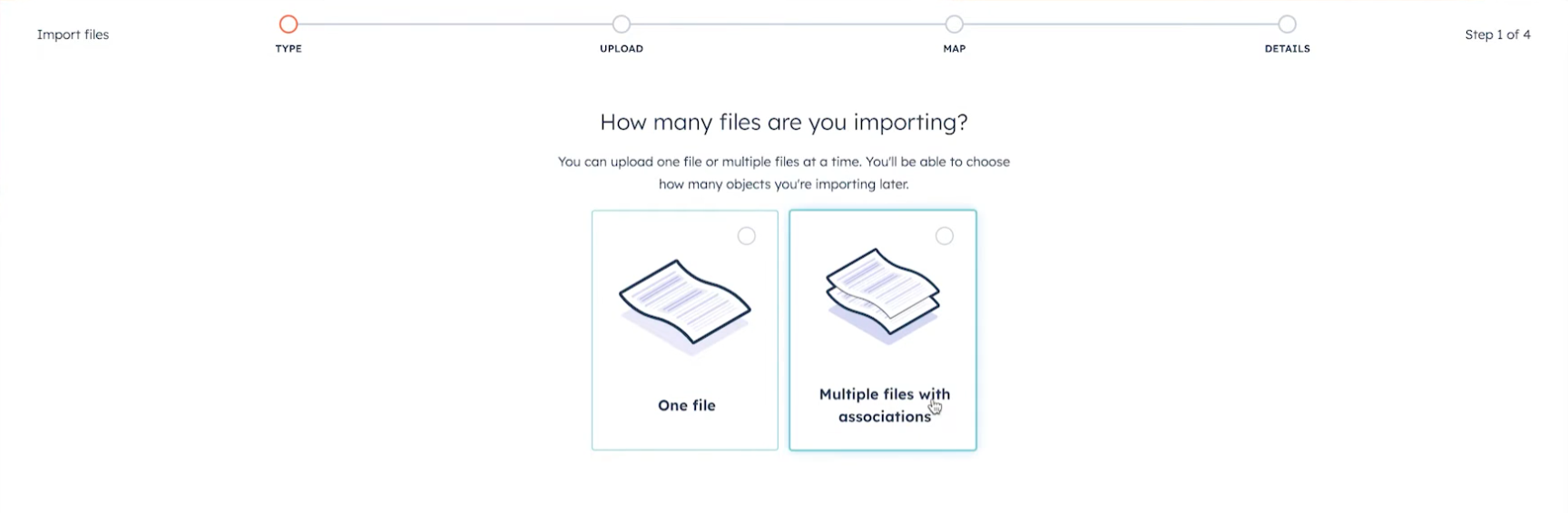
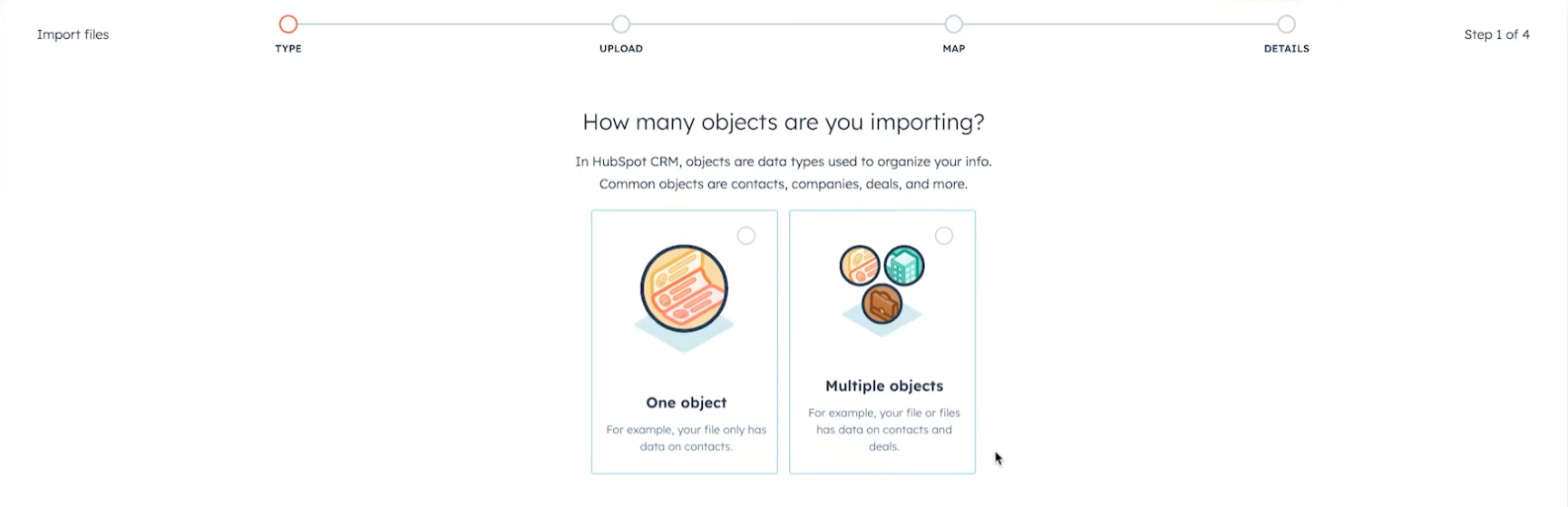
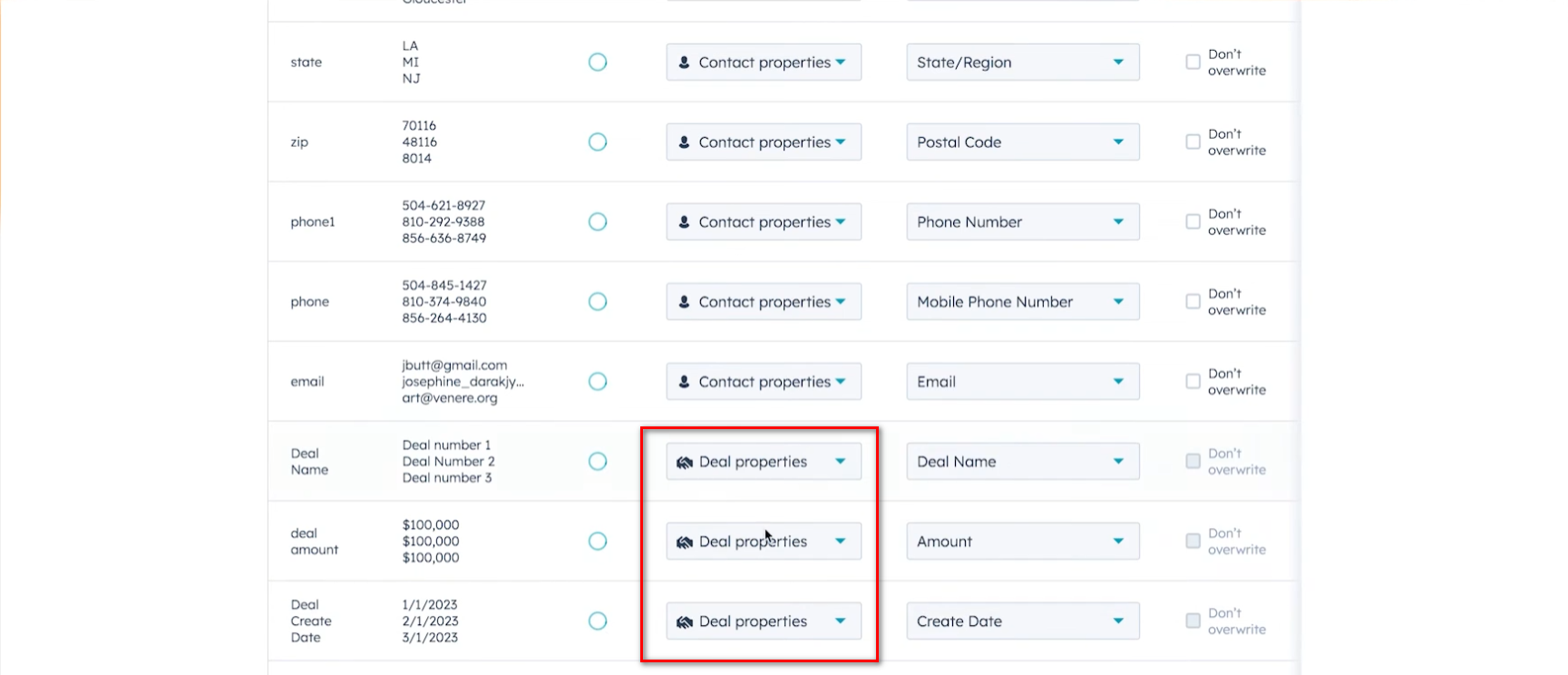
HubSpot Native: - Data Import tool (CSV, Excel) - Migration assistants and partner-led services - Workflow automation and basic two-way sync via Operations Hub - Strong for HubSpot-centric users
Salesforce Native: - Data Loader (desktop + API) - Data Import Wizard - Lightning Data (enrichment + import) - Bulk API and scheduled data jobs
Other Platforms (monday.com, Pipedrive, Zoho, etc.): - Built-in CSV import/export - Basic automation and integration features (often via native marketplace)
Emerging AI Tools: - AI-assisted mapping and deduplication - Natural language migration instructions - Automated data quality checks
Pricing
- HubSpot & Salesforce Native Tools: Often free or included with platform subscription.
- Partner-led Migration Services: $2k–$15k+ per project (one-time).
- monday.com / Pipedrive / Zoho: Included or low additional cost.
- Emerging AI Tools: Varies widely — some freemium, others usage-based.
These tools generally have a significant price advantage for simple use cases.
Strengths
- Deep platform integration (native permissions, SSO, no extra vendor risk).
- Often free or very low cost for basic needs.
- Familiar UI for users already inside the platform.
- Fast for simple, one-off imports or basic ongoing sync.
- Strong brand trust (especially HubSpot and Salesforce native tools).
Weaknesses
- Limited to the specific platform (no true multi-CRM breadth).
- Shallow transformation and custom logic (no equivalent to SyncMatters JS workspace).
- No production rollback or advanced safety features for risky migrations.
- Often lack advanced scheduling, error handling, or enterprise compliance features.
- Can become cumbersome for complex object relationships or large datasets.
Marketing & Social Media Presence
Strong (platform-driven). HubSpot and Salesforce have massive, highly active social presence with frequent webinars, case studies, and community content. Platform-Native tools benefit from the parent company's marketing machine rather than independent efforts. High visibility but often feels corporate rather than product-specific.
Official Support & Education
Excellent for HubSpot and Salesforce (structured academies, in-app guidance, extensive documentation, community forums, and dedicated support tiers). Other platforms (monday.com, Pipedrive, Zoho) have varying but generally good self-serve resources. Overall one of the strongest support/education ecosystems due to platform scale.
Comparison to SyncMatters
High Overlap Areas: - Basic data import from spreadsheets or other CRMs into HubSpot/Salesforce (core use case for MigrateMyCRM). - Simple ongoing sync/automation within a single platform ecosystem.
SyncMatters Advantages: - True multi-platform breadth (55+ connectors) — works across HubSpot, Salesforce, Dynamics, Pipedrive, Zoho, legacy systems, etc. - Unique full production rollback with conflict handling — critical for risky or large migrations. - Deeper custom logic (JavaScript workspace) and advanced row matching. - Hybrid DIY + white-glove managed services model. - Additional features (Workspaces, Backup, API abstraction) not available natively. - Stronger enterprise compliance posture (ISO 27001, GDPR focus).
Platform-Native Advantages: - Zero additional cost for basic needs (huge advantage for price-sensitive users). - Seamless single-platform experience (no extra login or permissions management). - Faster for very simple, in-platform tasks. - High trust and familiarity within the ecosystem.
Threat / Opportunity Assessment
Threat Level: High (especially for simple, in-platform migrations and basic ongoing data movement).
Platform-native tools capture a large share of the “easy” migration and import volume because they are free, familiar, and tightly integrated. Many customers will default to native tools first and only look for third-party solutions when native capabilities fall short.
Key Risks: - Significant volume loss on basic import and simple migration use cases (especially in HubSpot and Salesforce ecosystems). - Customers may perceive SyncMatters as “overkill” or “extra cost” for anything that native tools can handle. - Emerging AI-native tools could further commoditize simple mapping and data movement.
Strategic Opportunities: - Position as the “when native isn’t enough” solution: Clearly articulate the scenarios where native tools fail (complex object relationships, large datasets, risky migrations, multi-platform needs, rollback safety). - Use platform-native tools as a benchmark for simplicity and zero-friction onboarding. - Consider a lightweight “Quick Import” mode or simplified UI path optimized for basic spreadsheet/CRM imports to reduce friction for simple use cases. - Leverage your rollback safety net, multi-platform breadth, and managed services as key differentiators in any evaluation against native tools. - Monitor emerging AI-native tools closely — they represent the next wave of commoditization and could raise user expectations for AI-assisted mapping.
Sources & Further Reading
- HubSpot Migration Services: https://www.hubspot.com/products/migration
- Salesforce Data Loader & Import: https://help.salesforce.com/s/articleView?id=sf.data_import.htm
- Platform documentation for monday.com, Pipedrive, Zoho, etc.
- Industry reports on native vs. third-party migration tools
UX - Feature

This file follows the standard competitor profile template for the SyncMatters advisory project. Based on original PDF research (May 2026) and market positioning analysis.